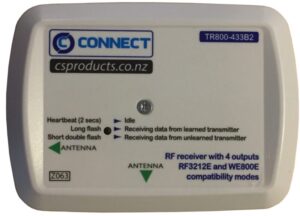
Configure Solution 2000/3000 Panel to use RF Devices
| Item | Location | Option | |
|---|---|---|---|
| RF Receiver | 0395 | 0 (default | Unuse |
| 1 | RADION | ||
| 2 | WE800EV2 |
Input 1 or 2 into location [ 0395 ] account to the RF recevier you gonna use.
Add / Change RF device to Zone
[install code] + [0] + [AWAY] + [Zone no] + [AWAY] + [9 digit ID] + [AWAY] + [AWAY]
Delete RF device
[install code] + [0] + [AWAY] + [Zone no] + [AWAY] + [STAY]

Bosch RFPR-12
Programing Keyfobs
Add / Change Wireless Keyfobs
- [Maste Code] + [1] + [AWAY]
- Enter keyfob number
( 301 = Keyfob 1, 302- Keyfob 2….) + [AWAY] + [AWAY] - All zones indicators will flash
- Press any button on Keyfobs, wait for 2 beep sound
- Press [AWAY] + [AWAY] to exit